Demo
Consider the relatively common situation where the user has icons placed on the desktop. Ideally, he would like to be able to access these icons without moving his windows, at least as long as possible. See the screenshot below for the initial setup.

Without any other information available, new windows are placed in the top left corner of the screen, as seen with `xterm' below.
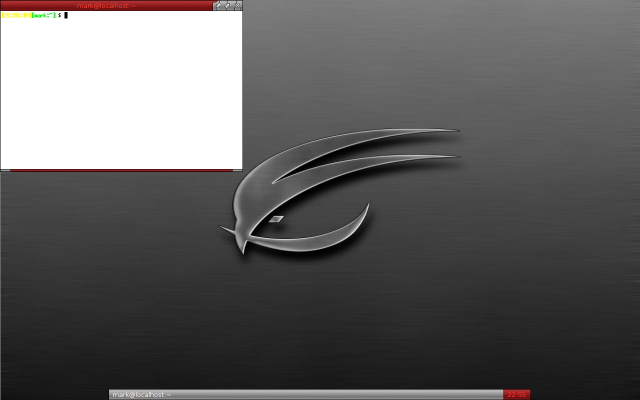
Now, suppose that the user moves xterm to the bottom left corner of the screen. Fluxbox will not know whether this is because it overlaps the icons or because he wants the window in the bottom left. It assumes both until it learns otherwise. If the user closes xterm and runs it again sometime later, it will appear in the same position he left it, as shown below.

If the user makes his xterm a little bigger, then opens three more, see what Fluxbox does.
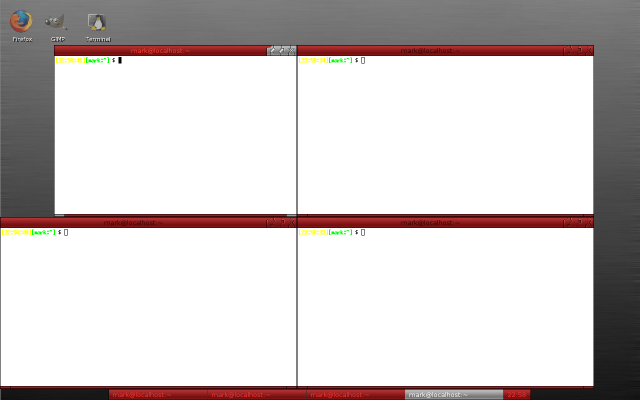
The second xterm is placed along the bottom, next to the old xterm, since it wants to place it near the bottom left while avoiding the upper left and overlapping the first xterm. The third xterm is placed on the right, since it is still trying to avoid the upper left. The fourth xterm is placed in the upper left, but it has not retained the larger size, since the original size has less overlap with the top left corner of the screen. Fluxbox does not know where the icons are, so it is trying to avoid anywhere that xterm originally overlapped. If the user resizes this window, it will keep that size the next time, as shown below.
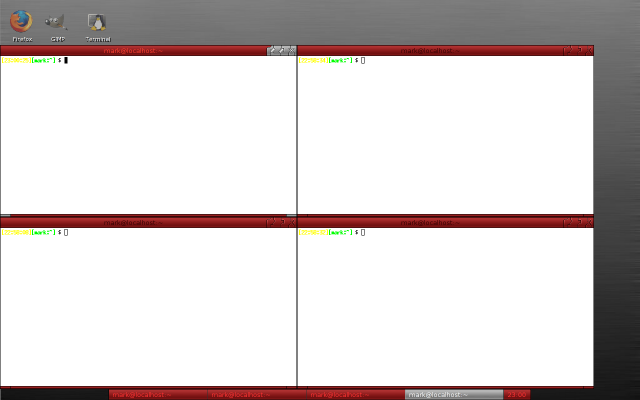
Now, close the new xterm windows. If the user opens other programs, like `nedit' or `xcalc', Fluxbox still tries to avoid the top left corner, as seen below. However, its beliefs about some of the top left corner have been updated, as seen with xcalc.
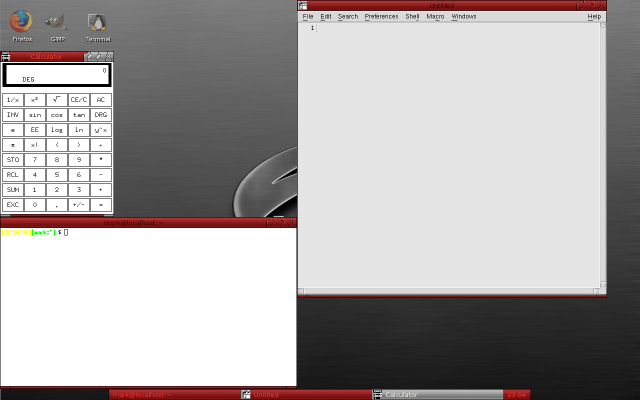
As you can see, Fluxbox successfully learns desired sizes and locations as well as locations to avoid.